Picture a driver whose check-engine light just came on. They pull into a parking lot, grab their phone, and search for an auto shop nearby. They will tap a phone number or a directions button within seconds, or give up and try the next result.
Local customers increasingly find, compare, and contact businesses entirely on their phones. Your information has to work on a small screen.
Put the Essentials Within One Tap
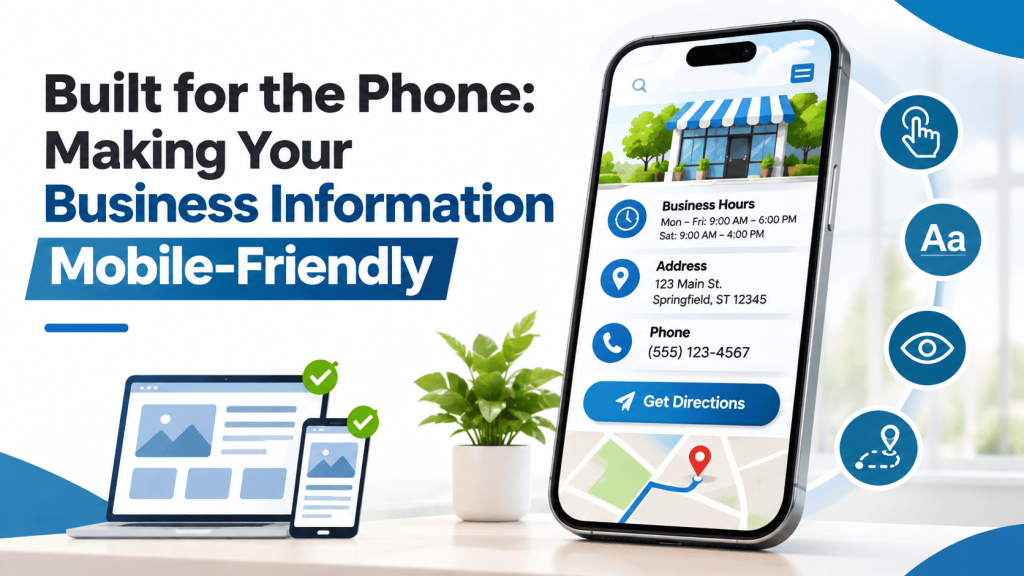
On your website, your phone number should be a tap-to-call link, visible at the top of every page. Your address should link to a map. Hours should be easy to spot without scrolling. These three details answer most mobile visitors’ questions immediately.
Avoid pop-ups that cover the screen on mobile. Google has long discouraged intrusive interstitials, and they frustrate visitors who just want your number.
Think about the context, too. Many mobile searchers are standing in a parking lot, sitting in a car, or walking down the street. They are distracted and in a hurry. Short sentences, large buttons, and a clear headline that says what you do and where you are will serve them far better than a clever slogan.
Check Your Listings From a Phone
Open your Google Business Profile, Apple Maps listing, and key directories on your own phone. Tap the call button, the directions link, and the website link. Make sure each one works and leads where it should. Look at how your photos and description appear on a small screen.
Auto repair shops depend heavily on mobile searches from drivers in trouble. Shops listed in the Automotive Services category on Treasure Directory should confirm that the phone number on that listing is the main line someone actually answers during business hours.
Speed and Readability
Slow pages lose mobile visitors quickly, especially on weaker connections. Compress large images, remove unnecessary scripts, and test your site with Google’s free PageSpeed Insights tool. Use readable font sizes and buttons large enough to tap easily.
Forms should be short. Ask only for what you need to respond, such as a name, phone number, and a brief description of the problem.
Conclusion
Mobile customers want answers in seconds. Make calling, getting directions, and checking hours effortless on your website and listings, then test everything from your own phone. Keeping your details accurate on directories such as Treasure Directory means those quick taps connect customers to you rather than to an outdated number.
Frequently Asked Questions
How can I tell if my website is mobile-friendly?
Open it on several phones and try common tasks: calling, finding hours, and getting directions. Google’s PageSpeed Insights tool also reports mobile performance issues. If text is tiny, buttons are hard to tap, or pages take a long time to load, those are priorities to fix.
Does mobile performance affect search visibility?
Google uses mobile-first indexing, meaning it primarily evaluates the mobile version of your site. Page experience is one of many signals considered. Even setting search aside, a fast, usable mobile site keeps visitors from leaving before they contact you.
Should my business have an app?
Most small businesses do not need one. A fast, mobile-friendly website and accurate listings meet the needs of nearly all local customers. Apps make sense mainly for businesses with frequent repeat interactions, such as loyalty programs or regular ordering.
What is a tap-to-call link?
It is a phone number formatted as a link so mobile users can call by tapping it instead of copying the digits. In website code, it uses the tel: format. Most website builders offer a simple setting or button for adding one.